 championcircle20
How Esports Players Optimize Their Setup
The competitive world of esports demands more than just skill and strategy. Success often hinges on having an optimized gaming setup that allows players to perform at their best consistently. From hardware selection to ergonomic considerations, every aspect of a player’s environment can impact reaction time, focus, and overall performance.
In this blog, we explore how esports players optimize their setup, detailing the essential components and practices that contribute to peak performance in professional gaming.
High-Performance Gaming PCs
The foundation of any esports setup is a high-performance gaming PC. Professional players require machines capable of handling games at high frame rates and resolutions without lag or stuttering.
Key components include:
-
CPU: A powerful processor ensures smooth gameplay and fast response times.
-
GPU: A high-end graphics card delivers detailed visuals and stable frame rates.
-
RAM: Sufficient memory allows games and streaming software to run simultaneously without slowing down.
-
Storage: Solid-state drives (SSDs) reduce load times and improve game performance.
By investing in a robust PC, esports players eliminate performance bottlenecks that could impact reaction times and gameplay precision.
High-Refresh-Rate Monitors
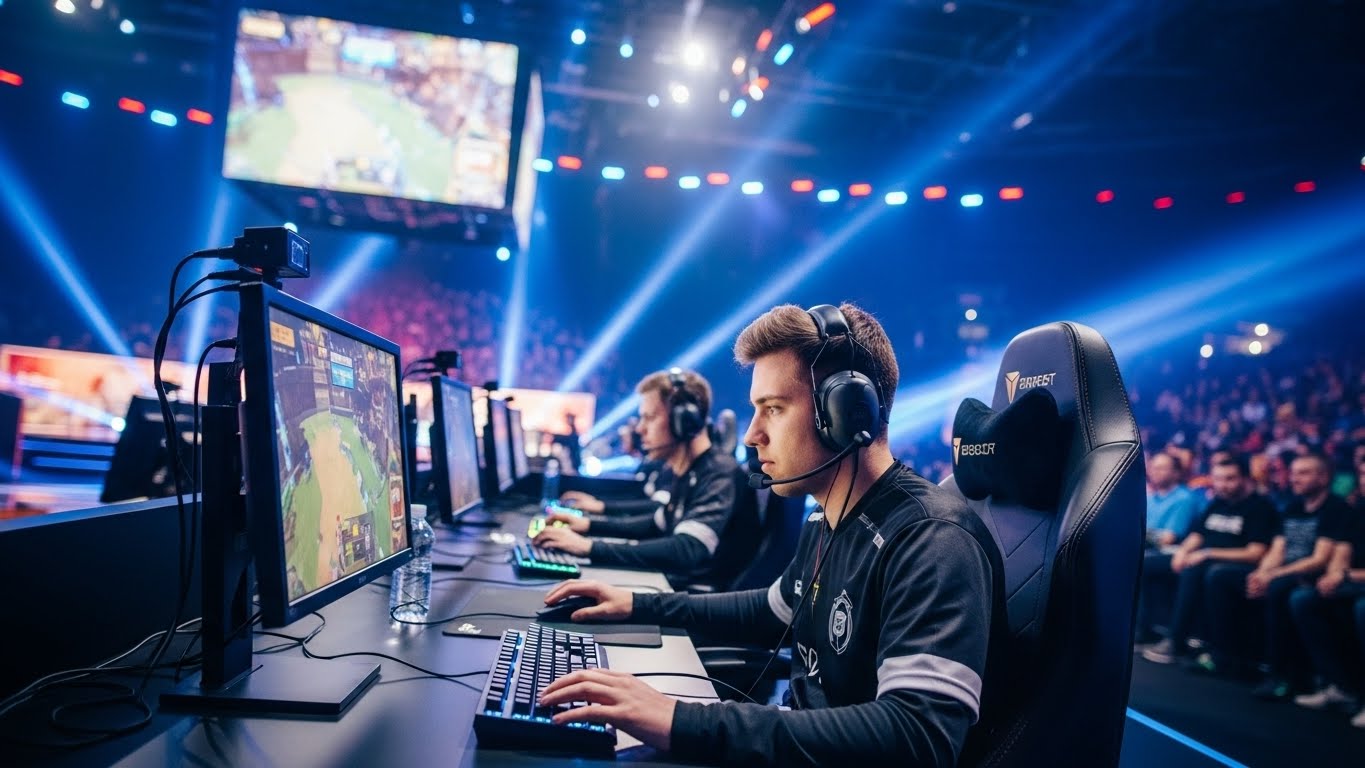
Monitor selection is critical for competitive gaming. High-refresh-rate monitors, typically ranging from 144Hz to 360Hz, provide smoother visuals and more accurate representation of in-game movements.
A higher refresh rate allows players to see enemy movements and actions more clearly, giving them a split-second advantage in fast-paced games like first-person shooters and MOBAs. Professional players often pair high-refresh-rate monitors with low response times to minimize input lag and maximize precision.
Precision Gaming Peripherals
Peripherals such as keyboards, mice, and controllers are essential components of an esports setup. These tools directly affect a player’s responsiveness and accuracy.
-
Gaming Mouse: Professional players use mice with high DPI settings, customizable buttons, and ergonomic designs for extended play.
-
Mechanical Keyboards: Mechanical switches provide tactile feedback, faster key registration, and durability.
-
Controllers: For console esports, controllers with adjustable sensitivity and grips enhance performance.
Selecting peripherals tailored to personal comfort and playstyle allows esports players to perform consistently at a high level.
Ergonomics and Physical Comfort
Esports competitions often involve long practice sessions and intense tournaments. Ergonomics play a crucial role in maintaining comfort, reducing strain, and preventing injuries.
-
Gaming Chair: Adjustable chairs with lumbar support help maintain proper posture and reduce fatigue.
-
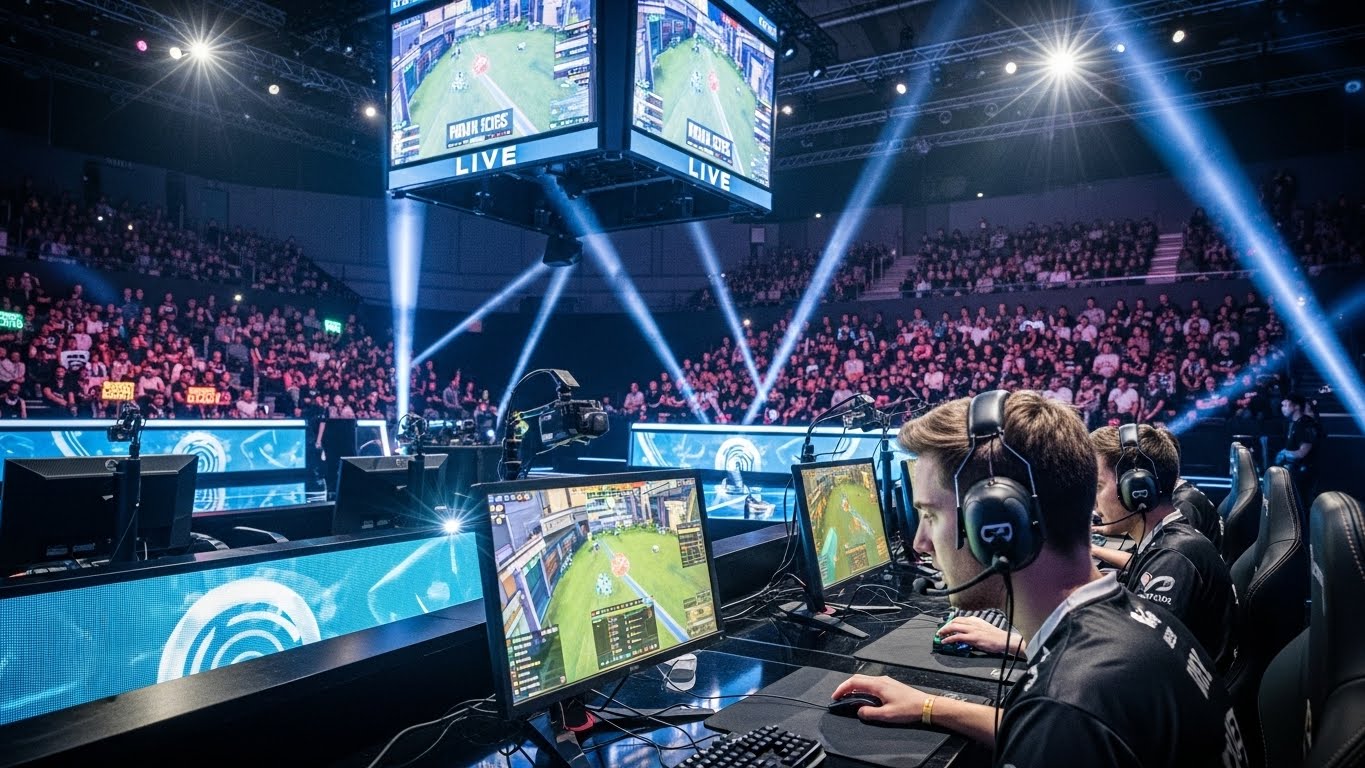
Desk Setup: Adequate desk height and spacious layouts allow smooth mouse and keyboard movements.
-
Monitor Positioning: Positioning monitors at eye level reduces neck strain and improves focus.
A well-designed ergonomic setup not only improves performance but also promotes long-term health, allowing players to train efficiently over extended periods.
Optimized Audio Setup
Sound is a critical element in esports, especially in competitive shooters and MOBAs. Players rely on audio cues such as footsteps, ability sounds, and environmental effects to make strategic decisions.
-
High-Quality Headsets: Noise-canceling headphones enhance clarity and allow players to focus on in-game audio.
-
Sound Calibration: Properly calibrated audio settings help detect subtle cues that indicate enemy positions or imminent threats.
-
Microphone Quality: Clear communication with teammates is essential, particularly in team-based games.
Optimized audio setups give players an auditory advantage, improving situational awareness and decision-making.
Internet Connection and Network Optimization
A stable and fast internet connection is non-negotiable for esports players. Lag, latency, or packet loss can drastically affect performance in competitive games.
-
High-Speed Internet: Fiber-optic or high-bandwidth connections ensure minimal lag.
-
Wired Connections: Ethernet cables provide more reliable connections than Wi-Fi.
-
Network Configuration: Port forwarding and optimized router settings reduce latency and maintain stability.
By minimizing network disruptions, players can compete without external technical hindrances, ensuring that skill alone determines performance.
Lighting and Visual Comfort
Visual comfort is often overlooked but can significantly impact focus and reaction time. Proper lighting reduces eye strain and enhances visual clarity.
-
Ambient Lighting: Soft, indirect lighting prevents glare and eye fatigue.
-
Monitor Brightness and Color Calibration: Adjusting these settings ensures accurate visuals and reduces contrast-related strain.
-
Blue Light Filters: Many players use blue light reduction features to protect their eyes during long practice sessions.
A visually optimized environment allows players to maintain sharpness and concentration for extended periods.
Software Optimization
Beyond hardware, software configurations play a key role in esports setups. Optimizing game settings and background applications ensures smooth gameplay.
-
In-Game Settings: Adjusting graphics, sensitivity, and control layouts improves performance.
-
Background Applications: Closing unnecessary programs reduces system load and prevents interruptions.
-
Monitoring Tools: Software that tracks FPS, ping, and system performance helps players maintain optimal conditions.
Software optimization complements hardware, ensuring that all components work together seamlessly.
Routine Maintenance and Organization
A cluttered or poorly maintained setup can hinder performance. Esports players prioritize organization and routine maintenance to maintain consistency.
-
Cable Management: Organized cables prevent tangling and allow easy adjustments.
-
Regular Cleaning: Dust-free keyboards, mice, and monitors maintain performance and longevity.
-
Hardware Updates: Updating drivers and firmware ensures compatibility and stability.
A clean, organized environment reduces distractions and ensures players can focus entirely on gameplay.
Psychological Environment and Focus
Beyond the physical setup, mental preparation is essential. A distraction-free environment helps players maintain focus and perform under pressure.
-
Minimal Distractions: Quiet spaces free from interruptions allow deeper concentration.
-
Routine and Warm-Up: Pre-game routines, including practice drills and stretching, improve readiness.
-
Mindfulness Techniques: Some players incorporate meditation or breathing exercises to manage stress and maintain mental clarity.
Optimizing the psychological environment complements the physical setup, creating a holistic approach to peak esports performance.
Conclusion
Esports is a discipline that demands precision, focus, and adaptability. Optimizing a gaming setup is a critical step toward achieving peak performance, combining high-performance hardware, ergonomic design, audio clarity, stable internet, and mental preparation.
Professional players treat their setups as more than just equipment—they are carefully engineered tools that enable skill, strategy, and teamwork to shine. By investing in and fine-tuning every component of their environment, esports athletes gain a competitive edge that separates the best from the rest.
For aspiring esports players, understanding and implementing these optimizations is essential. Success in competitive gaming is not solely determined by talent or practice; it is also shaped by the environment in which players perform. A carefully optimized setup allows esports athletes to perform consistently, respond quickly, and stay at the top of their game in a rapidly evolving digital sport.